Administration
Less than 1 minute
Administration
Open the administration interface by adding /admin to the receiver URL:
http://web-888.local:8073/admin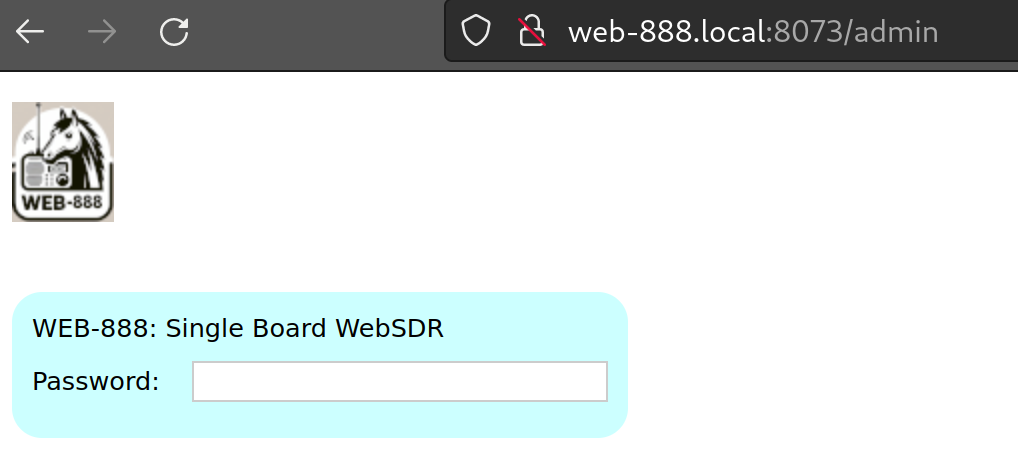
If no administrator password is configured, administration access is allowed only from the local network. Change the factory password immediately after first login and keep console access restricted to the local network.
See Security for listener, administrator, and console access settings.
Using the Administration Interface
The navigation contains these pages:
- Status: receiver identity, sessions, runtime health, and maintenance policy.
- Control: server lifecycle, radio mode, listener limits, capacity, and SNR measurements.
- Connect: public URL, dynamic DNS, busy-server redirect, and reverse proxy.
- Config: startup defaults, passbands, calibration, clocking, and ADC behavior.
- Webpage: listener-page titles, location, station photo, caching, and custom markup.
- Public: rx-888.com directory registration and public station metadata.
- DX: station labels, community database, band bars, and service menus.
- Update: automatic and manual server software updates.
- Network: ports, IP configuration, Wi-Fi, MQTT, and IP blacklists.
- GPS: position, timing solution, and satellite tracking.
- Log: recent server messages and diagnostic logging.
- Console: interactive Alpine Linux shell.
- Extensions: per-extension availability and settings.
- Security: passwords, local auto-login, open channels, and console restrictions.
Most fields save when changed or when Enter is pressed. Controls marked as requiring restart display a restart notice. Use Restart server to apply server-startup settings unless the page explicitly requires a complete device reboot.
The Theme menu selects Midnight, Ember, or Classic and is shared with the receiver interface.